
Some Pokemon in Legends Z-A cannot be evolved in the usual method or by using an Evolution Stone. You will need to use the trade feature for this if you are looking to evolve them and make them a core part of your roster.
So if you are looking to make the most of the trade system in the RPG then the guide below will help you out.
All Trade Evolutions in Pokemon Legends Z-A

1) Pokemon that evolve by trading
| Pre-Evolution | Evolution |
|---|---|
 Kadabra | 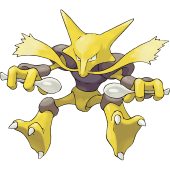 Alakazam |
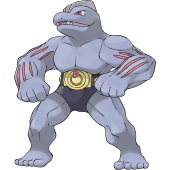 Machoke | 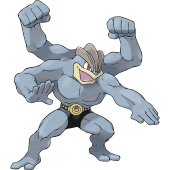 Machamp |
 Haunter |  Gengar |
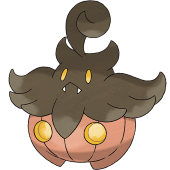 Pumpkaboo (Average) |  Gourgeist (Average) |
 Phantump | 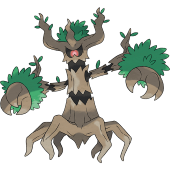 Trevenant |
You will only need to trade these Pokémon in order to evolve them. Pokemon like Haunter, Kadabra, and Machoke are second-stage evolutions, so to get their stage three, you can trade them immediately as soon as you evolve them from their pre-evolutions.
2) Pokemon that evolve by trading with a held Item
| Pre-Evolution | Evolution | Held Item |
|---|---|---|
 Swirlix |  Slurpuff | Whipped Dream |
 Spritzee |  Aromatisse | Sachet |
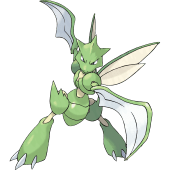 Scyther |  Scizor | Metal Coat |
 Slowpoke | 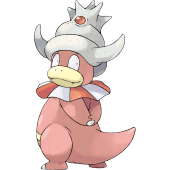 Slowking | King’s Rock |
 Onix |  Steelix | Metal Coat |
These Pokemon need to be holding the correct items when you trade them for their evolutions to trigger. However, do keep in mind that doing so will consume the item, so be sure that you are picking a Pokemon with pretty high stats and CP when going for the trade.
How to Trade Pokemon in Legends Z-A
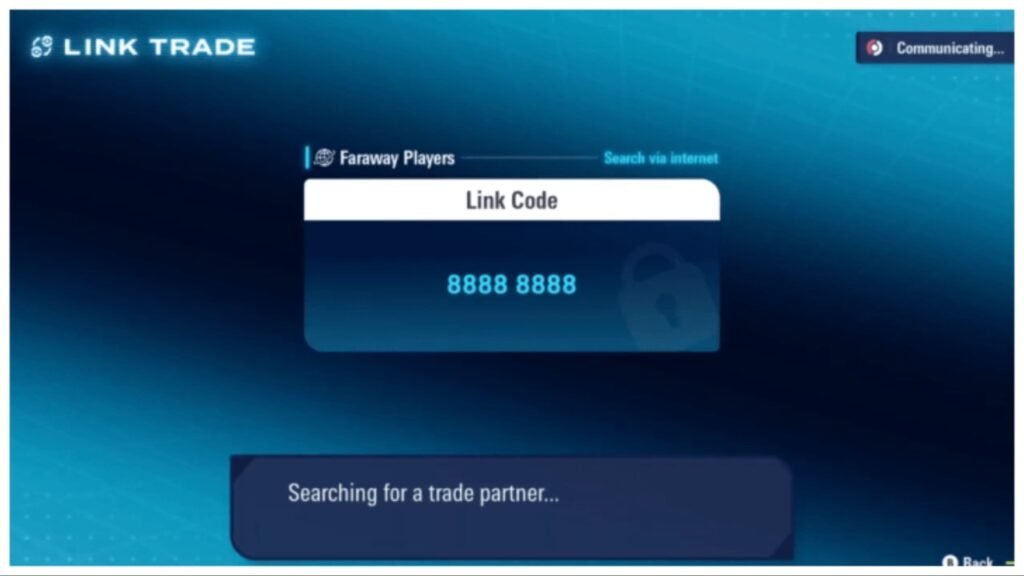
The most reliable way of trading Pokemon in Legends Z-A will be to use the Link Play feature. This feature is unlocked after you have completed Main Mission 3: A New Life in Lumiose City. Now speak to Mabel at the Pokemon Research Lab after completing five-Pokemon Challenge and get an explanation on Mable’s Research.
Once the feature is unlocked, press X to open the menu and then select Link Play, which is at the bottom left of the screen. Here, select Link Trade in the top right and then click on your preferred mode of trading, either locally or via the internet.
Do keep in mind that connecting the game to the internet requires a Nintendo Switch Online account. Your game will also save after it connects to the internet.
Next, enter your preferred Link Code, which will consist of 8 digits. The game will then search for a trading partner that enters the same code.
Once the codes are exchanged, a screen will pop up which will show your box and Pokemon. It will also show each of your Pokemon’s stats, held items, movesets, and more.
A green thumb icon will also appear next to a Pokemon that is not in your trade partner’s Pokedex. However, this thumbs up will not appear for the Pokemon that are in your active party.
To select a Pokemon for trade, you will need to click on it and select “offer up”. A banner will then appear for your trade partner’s offer. This will then lead to a confirmation alert. Then an animation will appear showing the Pokemon being traded.
Once the trade concludes, you will be taken back to the screen with your box and party. You can now choose to trade again or leave the session.

