
Nioh 3 is finally out for PCs, and the soulslike action RPG from Koei Tecmo and Team Ninja is built on top of the in house Katana Engine. Nioh has seen a series of rather troubled and really disappointing PC ports, and the third installment seems to be a bit better in this regard.
The PC port has a respectable number of options to tweak, and performance while not stellar does happen to be just the bar minimum to remain playable (that is, at 60 FPS). To reach there though, you have to lower down most settings, and tweak a few options along the way as well, which we will be listing below.
Optimized Nioh 3 PC Settings
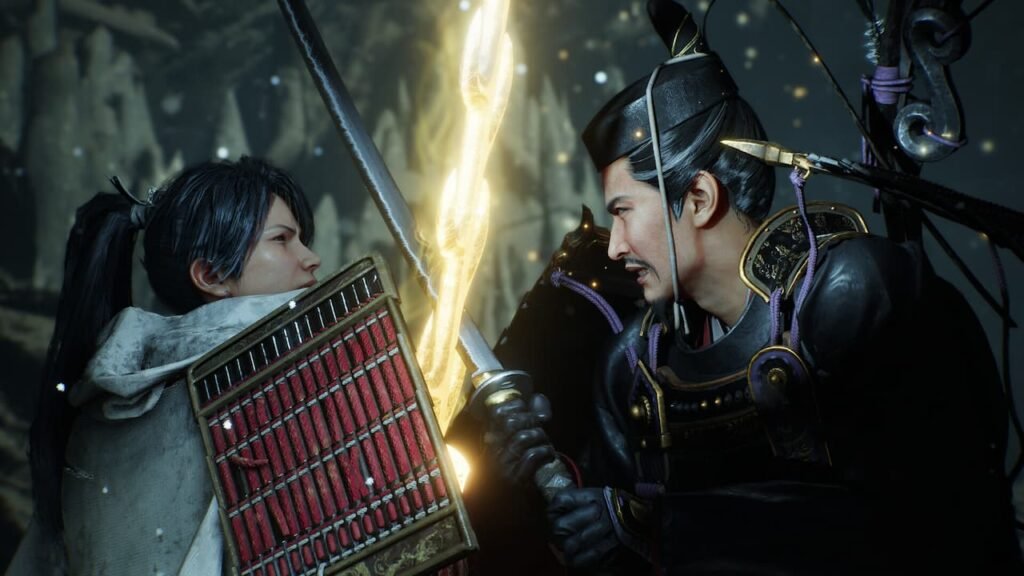
Visuals
- Display Mode: Borderless
- VSync: Off
- Resolution: 3440×1440
- Frame Rate Cap: 60 (Locked)
- Graphics Presets: Low
- FPS Dynamic Adjustment: On
Post Effects
Set Post-Effects Resolution to Standard Quality, and Subsurface Scattering to Off. Everything else depends on your preferences, with some options like Motion Blur being a hot point of debate.
Advanced Settings
- Shadow Quality: Low Quality
- Ambient Occlusion: Low Quality
- Model Quality: Low Quality
- Model Texture Quality: Standard Quality
- Number of Models Displayed: Normal
- Wind Sway: Low Quality
- Anisotropic Filtering: 16x
- Effects: Low Quality
- Motion Quality: Low Quality
- Screen Space Reflections: Very Low
- Background Mesh Quality: Low Quality
- Terrain: Low Quality
- Grass Density: Low Quality
- Volumetric Cloud Quality: Low Quality
- FPS (Cutscenes): 60 (Locked)
- Cutscene Quality: Standard Quality
- Global Illumination: Low Quality
Resolution Advanced Settings
- Upscaling Method: FSR 3.1
- Sharpness: 0.2
- Rendering Resolution: 40%
- Dynamic Resolution: Off
- Frame Generation: Off
These settings were tested with an RTX 4060 Mobile equivalent GPU (more precisely, the Radeon 8050S), so make of that what you will. The tests were done at 3440×1400, with VRR enabled, and most settings set to Low.
Maintaining a high frame rate in this game is no easy task, and since the game’s physics are tied to it, any dip will cause a weird kind of slowdown.
That being said, the performance is quite impressive, even if we did have to drop everything to Low and enable FSR (more so when you consider the port isn’t stellar).
Atleast there’s no frame generation, but that might be the only way to get high frame rate gaming possible for this particular title.

