
Borderlands 4 is out, and is based on the rather controversial Unreal Engine 5 game engine. The game is perhaps one of the worst Unreal Engine 5 games out there, at least in terms of optimization, and you can expect to run into issues irrespective of your hardware.
You will require powerful hardware to run this game, making it an ill fit for handheld gaming devices like the Steam Deck.
These handhelds simply lack enough horsepower to run the game at acceptable framerates and resolutions, but you might have some success in tweaking settings and enabling features such as frame generation.
Can You Play Borderlands 4 on the Steam Deck?

Borderlands 4 does boot up on the Steam Deck, but its performance is downright terrible. Do not expect the game to run at playable frame rates, regardless of your resolution and/or quality settings in use.
Using lossless scaling as a crutch is not recommended either, on account of the intense ghosting and latency induced. This is a side effect of its already low frame rate.
As such, it is recommended to avoid playing Borderlands 4 on the Steam Deck for now. You could resort to streaming the game over GeForce Now or using Moonlight/Sunshine instead.
Can The ROG Ally Play Borderlands 4?
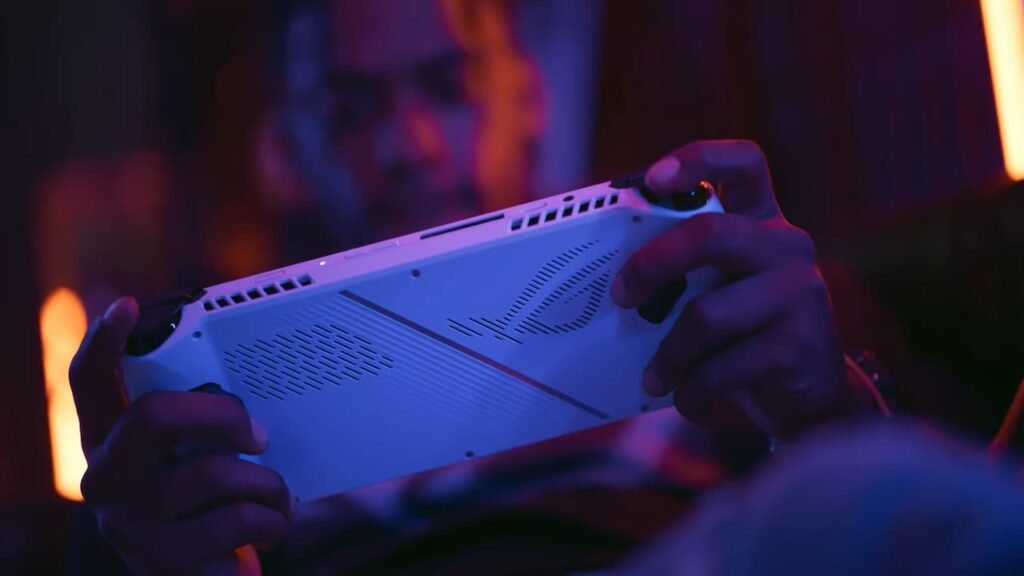
As far as the ROG Ally is concerned, Borderlands 4 does seem to be playable, but only barely. The game does not manage to hit its 60 frames per second target, choosing to hover somewhere in the mid 30s.
This is while keeping an internal resolution of 720p, and having the Turbo 30 W profile enabled, while pushing XeSS 2.0 to performance.
It’s a lot of work to get the game up and running at only 30-ish FPS, and is generally not the recommended way to play a first person shooter. Even the beefier ROG Ally X fares the same, although you can expect a bit smoother performance with VRAM set to 10 GB.
That being said, playing Borderlands 4 on a handheld is a bad idea, at least for now.

